Copying job details
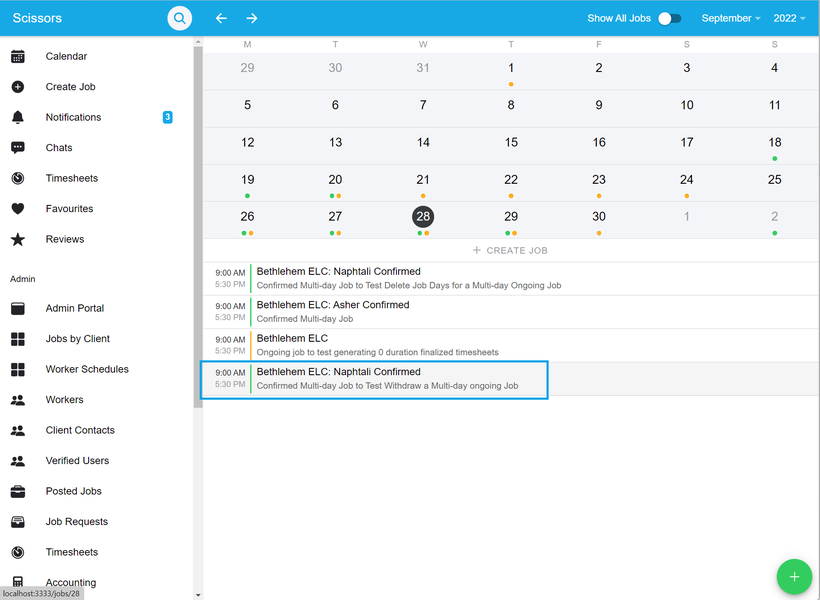
- To copy an already existing jobs details, click on the specific job from the 'Calendar Tab'.
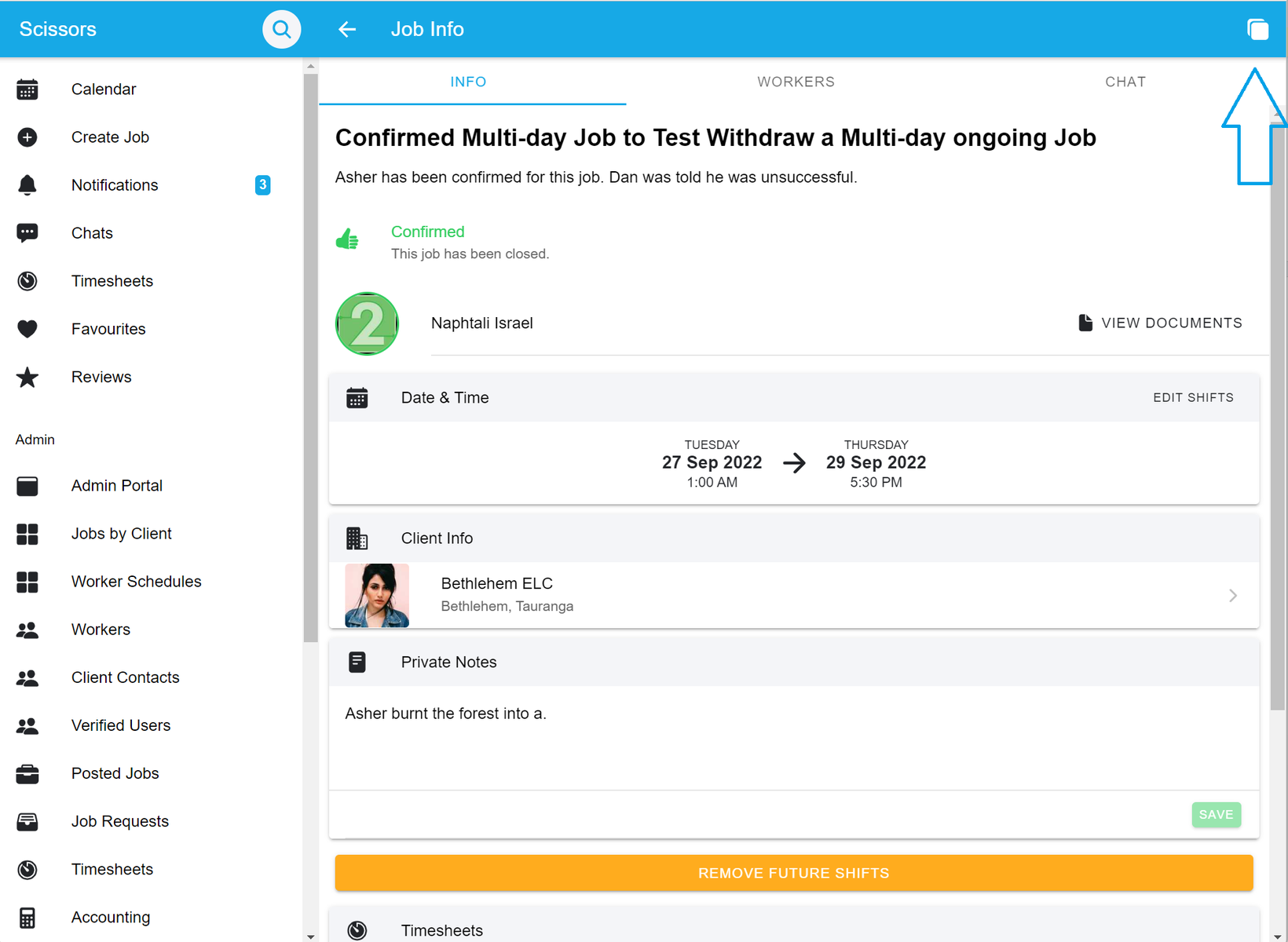
- Once the job has loaded, navigate to the top right corner where you will see the 'duplicate job' button. This will create a copy of the job which you can alter to create a new similar job.
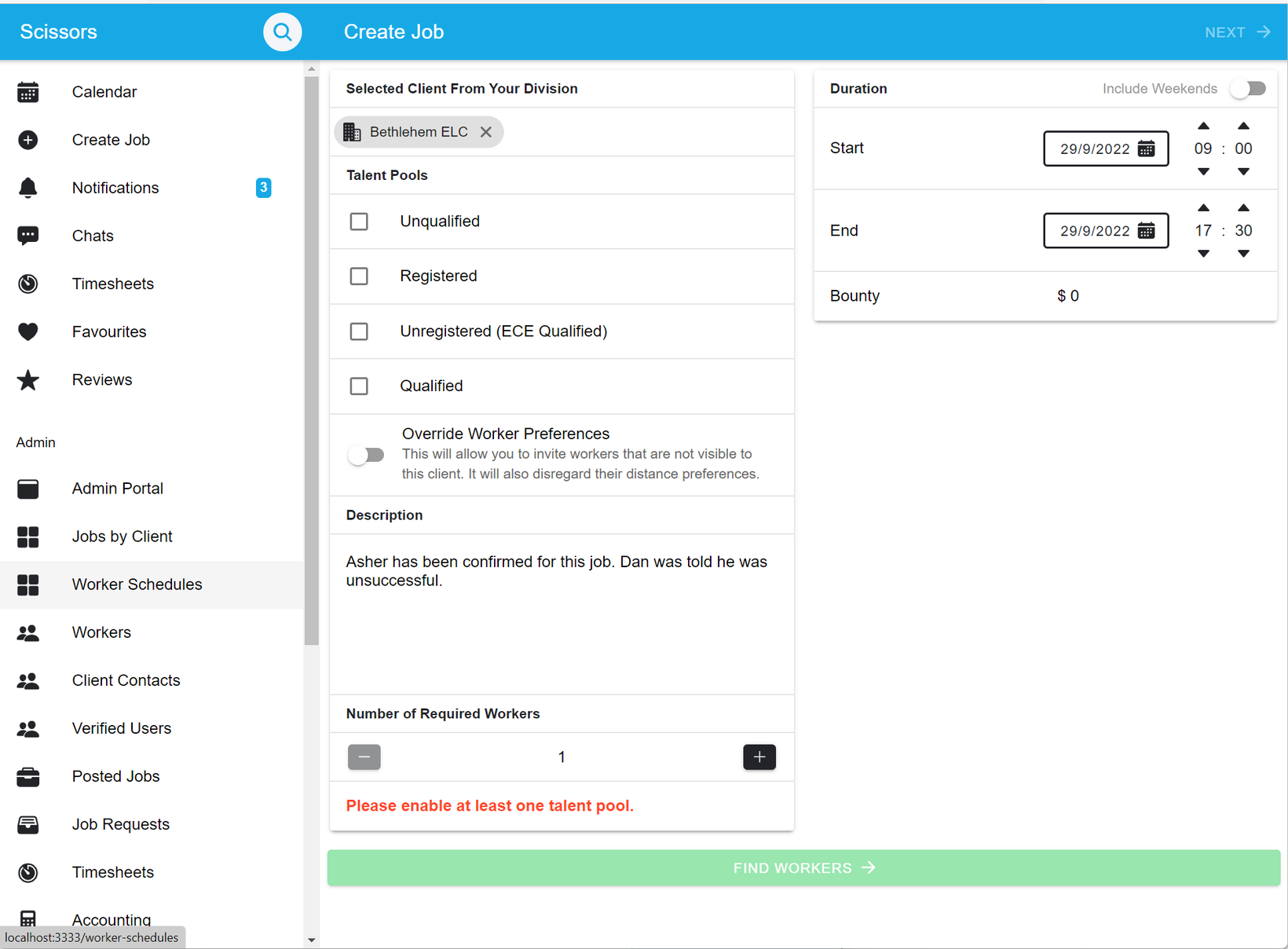
- Then you can alter the job to your needs and create the new job