


Downloading the Margin Report for accounting purposes
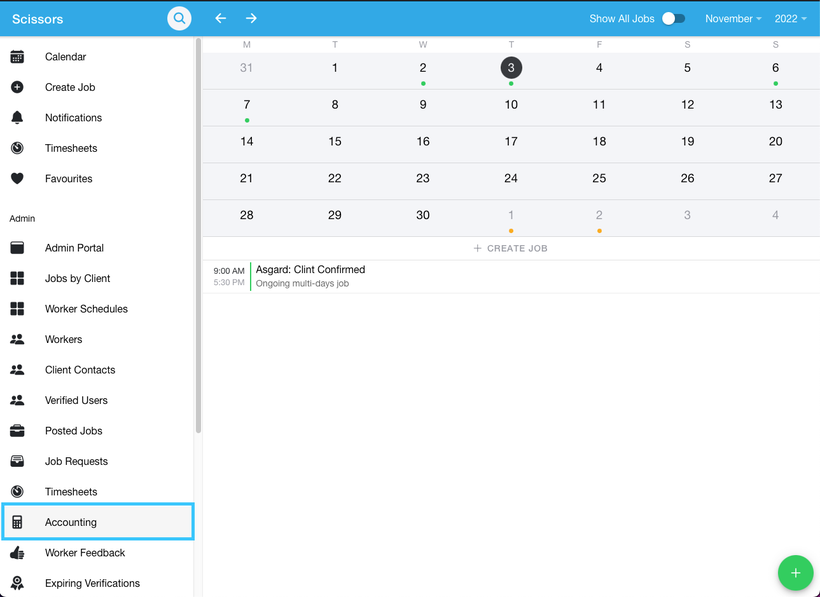
- To download the appropriate payroll details, navigate to the Accounting tab.
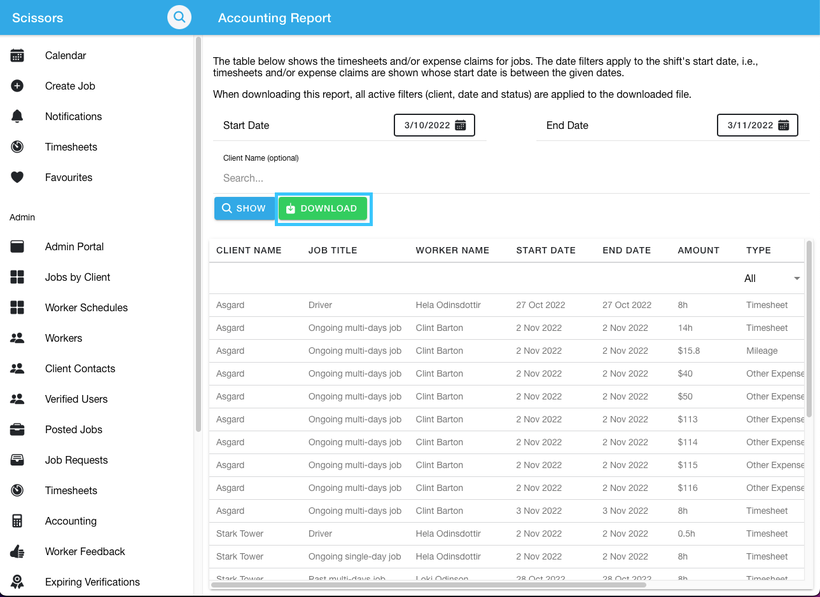
- Once you have selected the specific range of payroll details you would like to download. Click the download button.
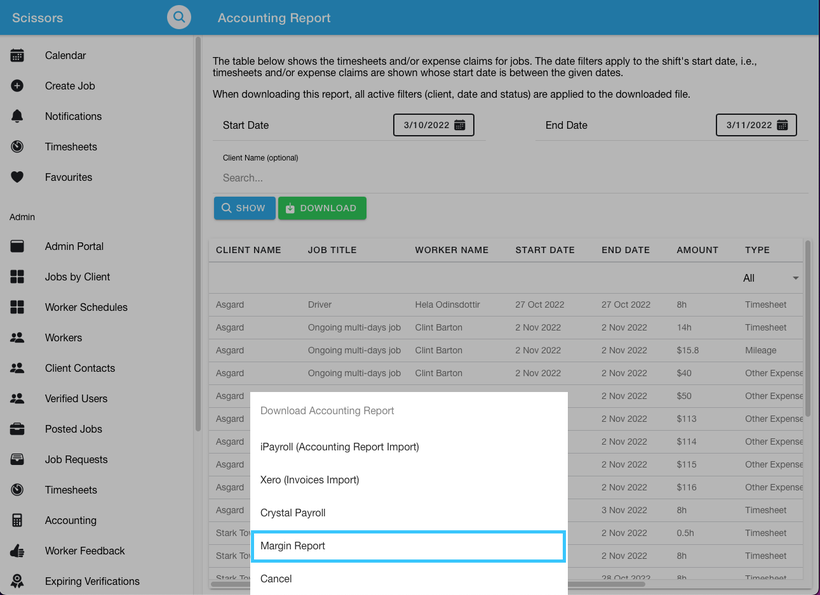
- The app will then prompt you to select the format you wish to download. In this example select the Margin report format.
- The download will start and can found in your downloads folder.