


View and download the posted jobs report
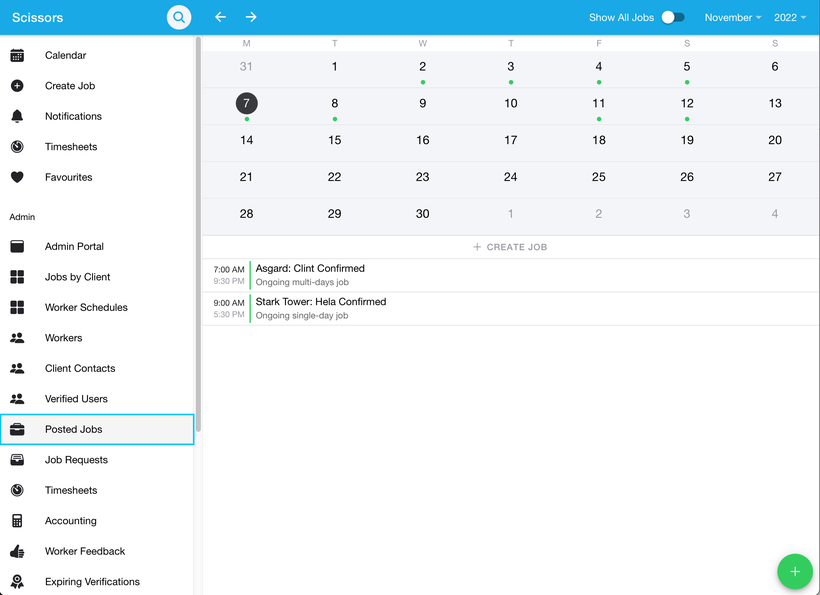
- To view and download all the posted jobs, navigate to the 'Posted Jobs' Tab under the admin section.
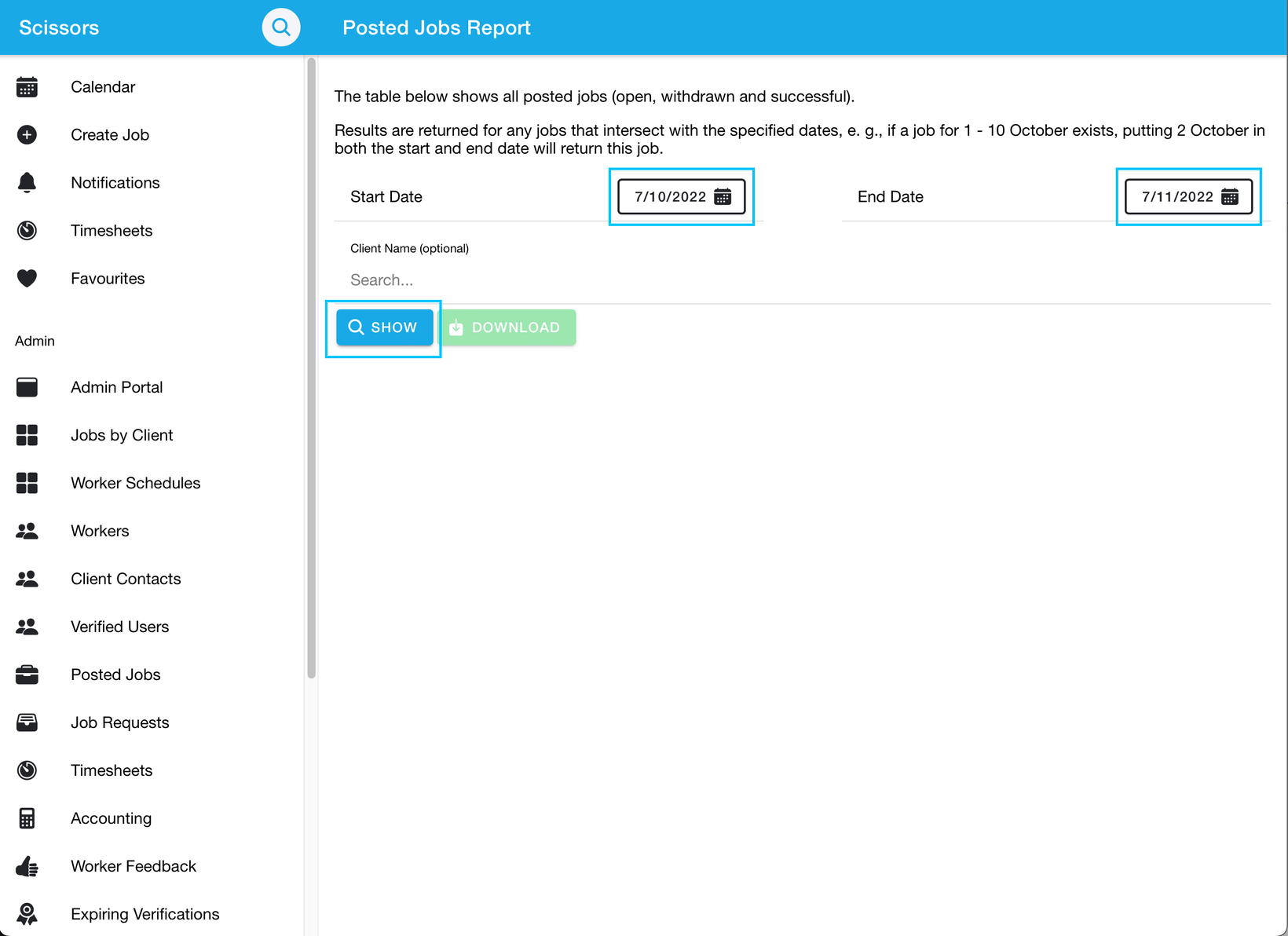
- Then select the date range would like to search for, then click the show button. This will bring up all the posted jobs between the selected dates.
- Then click the download button to download a report of the posted jobs.
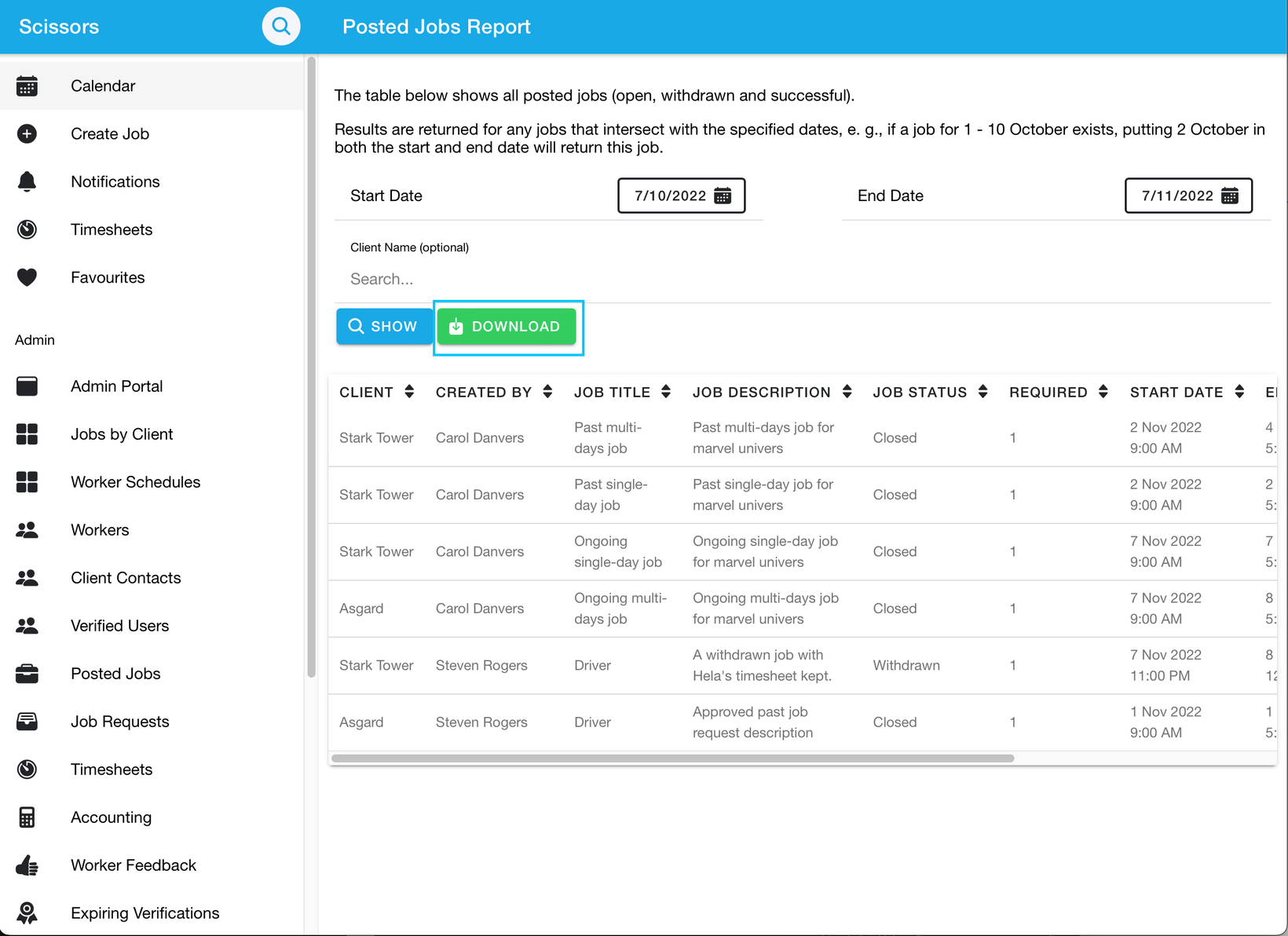
- The downloaded file will be in your generic downloads folder.